Write a blog post
Write a post for your site's blog, save it as a draft and publish it when it's ready.
- Admin
- Agent
- ⏱ 1 min
- Updated October 6, 2026
Open a new post
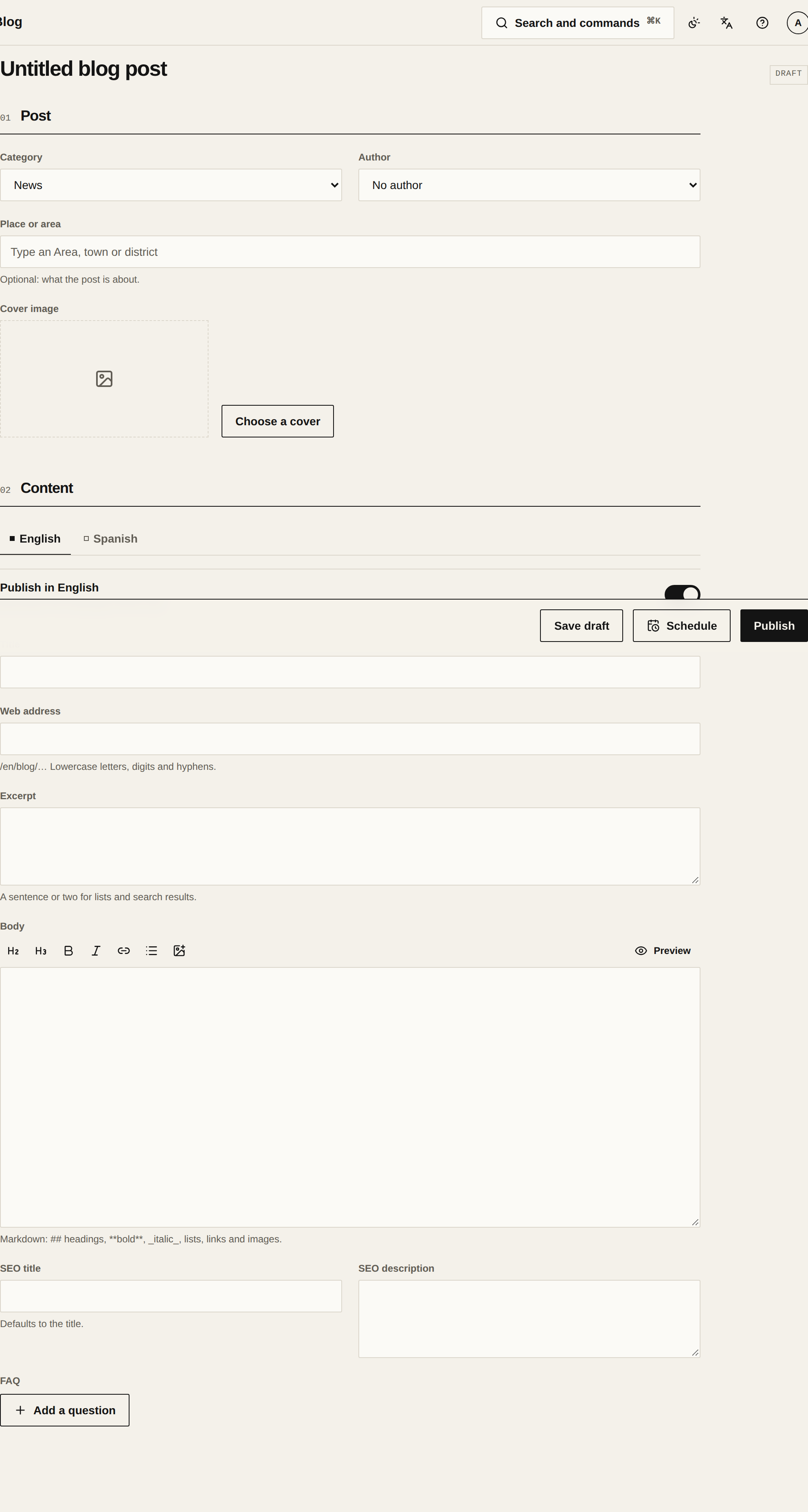
In Blog, tap New blog post. The post's details are at the top and its content below.
Pick the category and author
Pick the Category, such as a neighbourhood guide or a market update. If you're an admin, choose the Agent the post is credited to under Author. If you're an Agent, the post is credited to you. If it's about a particular spot, set it under Place or area.
Switch on your language
There's a tab per language, English and Spanish, each with its own switch to publish it in that language. A new post starts with English on. If you write in Spanish, open that tab and switch it on, and switch English off if you won't write it.
Write the title, excerpt and body
Type the Title: the Web address fills itself in. The Excerpt is a sentence or two for lists and search results. In the Body, use the formatting bar for headings, lists, links and images, and check how it looks in Preview.
Save or publish
Tap Save draft to finish later: the post stays a Draft and isn't on your site. When it's ready, tap Publish. Each language that's on needs a title, a web address and a body. If you change something afterwards, tap Save changes.