Search, filter and export properties
Find a property by title or reference, filter the list and download them all as a CSV.
- Admin
- Agent
- ⏱ 1 min
- Updated October 6, 2026
Search
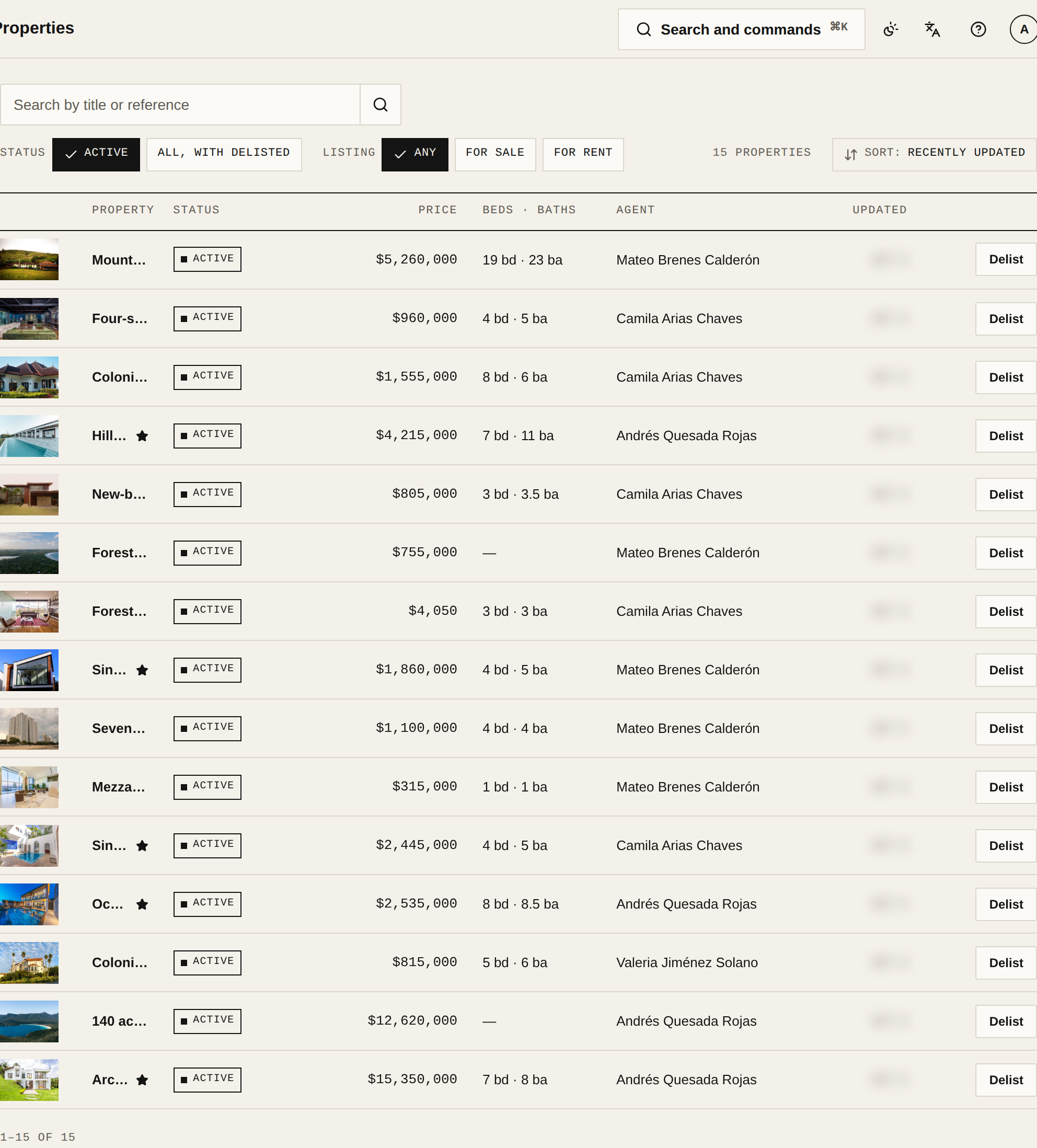
In Properties, type in Search by title or reference and tap Search. The reference is the Internal reference you gave the property.
Filter the list
Use the filters above the list. Under Status, Active hides delisted properties and All, with delisted includes them. Under Listing, pick For sale or For rent. If any property has no Place, you also see a Location filter. On a phone, it's all under Filter & sort.
Sort
Open Sort and pick Recently updated, a price order or Title, A–Z. To get the full list back, tap Clear filters.
Export to CSV
If you're an admin, tap Export CSV. It downloads all your properties, delisted ones too, with their location and Areas. The download ignores the search and filters.