Create a social media post with AI
AI drafts captions, hashtags and photos for Instagram, Facebook and WhatsApp about a property or blog post. You post it.
- Admin
- Agent
- ⏱ 1 min
- Varies by plan
- Updated October 6, 2026
Open what you want to share
Open a property or a blog post and scroll down to the Social media posts section. It must be live on your site; if it isn't, you see a note and can't create one yet.
Pick the platforms and tone
Tap Create social media post. Under Platforms, keep the ones you want checked: Instagram, Facebook or WhatsApp. Pick the Tone: Professional, Warm or Luxury.
Confirm the cost
It uses 1 AI generation per language: your site's main one and, if you leave it checked, the other. Below, you see how many you have left this month. Tap Create social media post.
Open it when it's ready
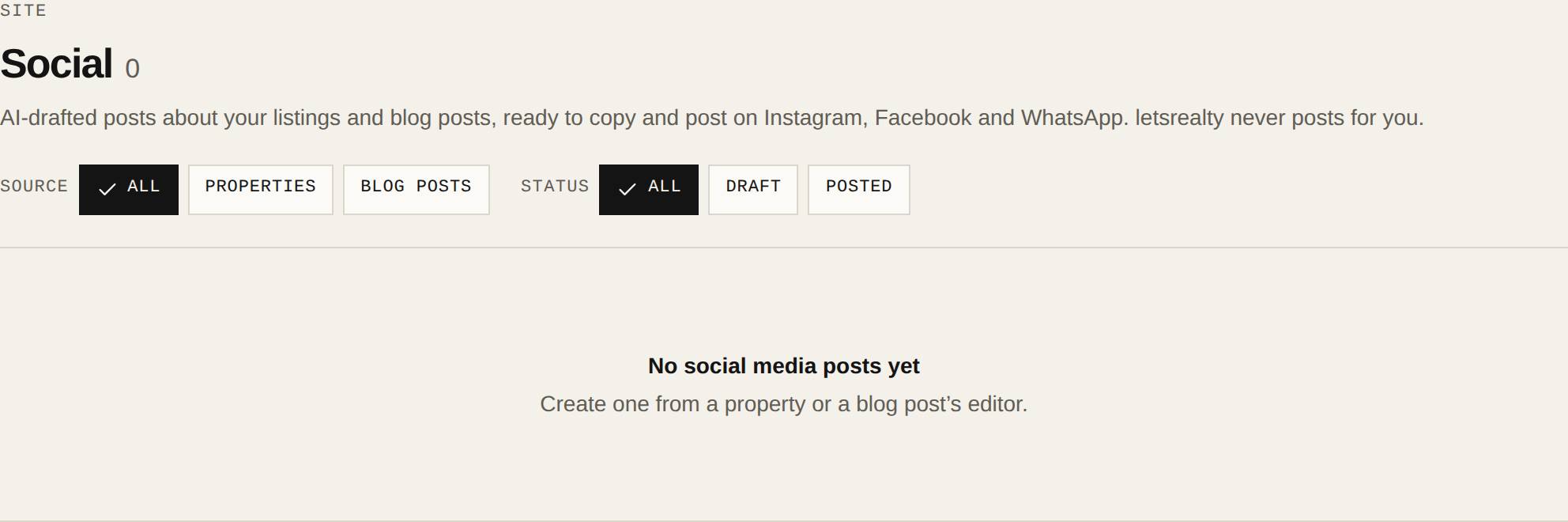
In about a minute it goes from Generating to Draft and you see Social media post ready. Open it from the section or from Social in the menu.
Review the captions and photos
Each platform has its Caption and Hashtags in each language. Edit them, reorder or swap the photos (up to 10) and tap Save changes. If you don't like it, Regenerate rewrites the captions and uses generations again.
Post it yourself
letsrealty never posts for you. Tap Copy to take the text, Download photos to get the images, or Share to WhatsApp. Once it's live, tap Mark as Posted; you can paste the links if you like.