Add an agent
Create an agent's profile so they show on your website beside their properties.
- Admin
- ⏱ 1 min
- Varies by plan
- Updated October 6, 2026
Open New agent
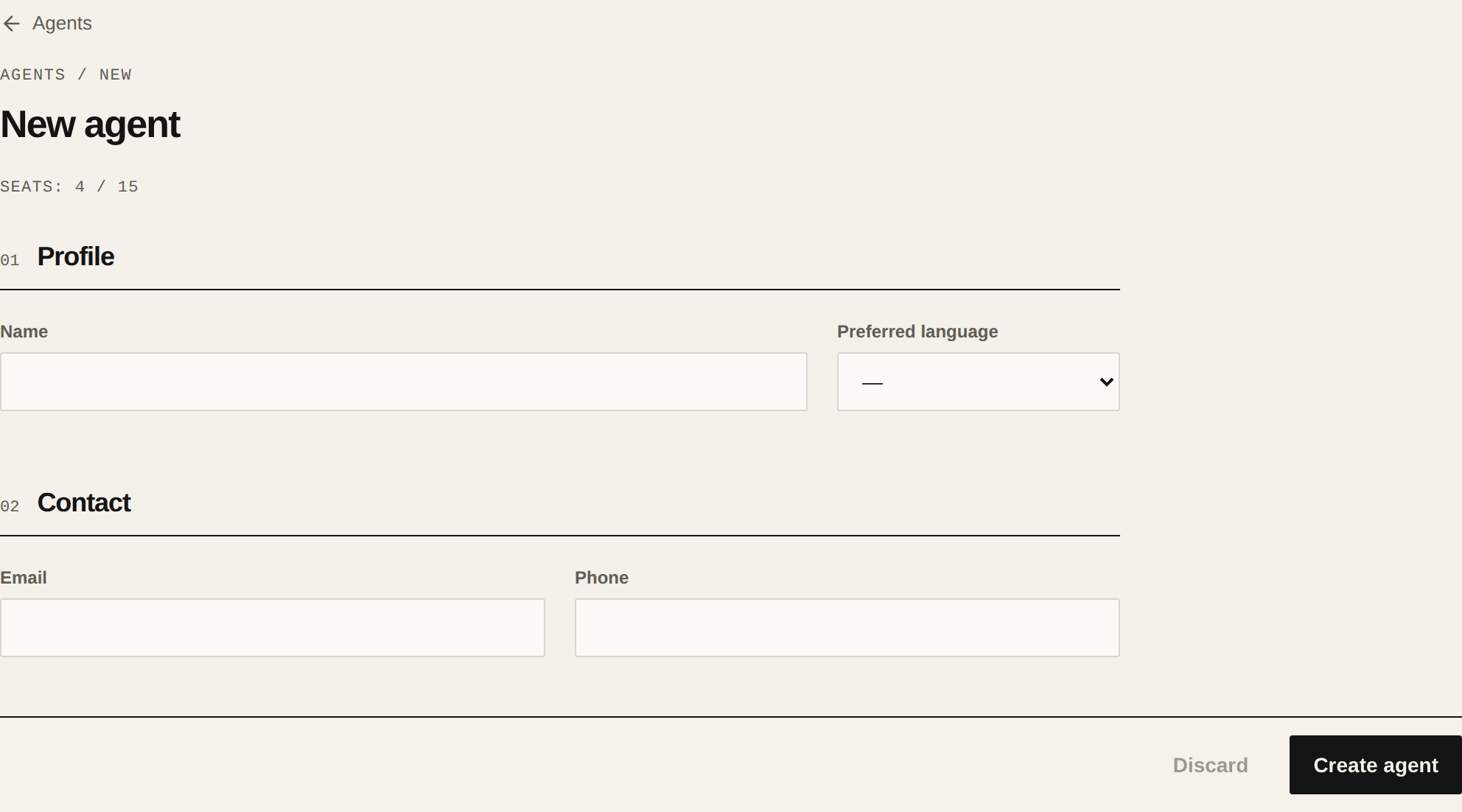
In Agents, tap New agent. Only an Admin can create agents.
Enter their name and contact details
Fill in the Name, which is required, and their Preferred language if you like. Under Contact, add their Email and Phone. Two agents can't share an email.
Create the agent
Tap Create agent. The agent is active and shows on your site's Agents page. Every active agent takes one seat on your plan, and the top of the form shows how many you use.
Add their portrait
Their profile opens with "Agent created. Add a portrait below." Tap Add portrait and pick a JPEG, PNG, WebP, AVIF or GIF image. It saves on its own.
Complete their author profile
Under Author profile, add their Job title, Credentials, a bio in each language and their Social links. Then tap Save changes.
Related articles
Did this help?