Turn AI features on or off
Decide whether AI enriches your listings, scores your leads and answers your site's visitors.
- Admin
- ⏱ 1 min
- Varies by plan
- Updated October 6, 2026
Open the AI section
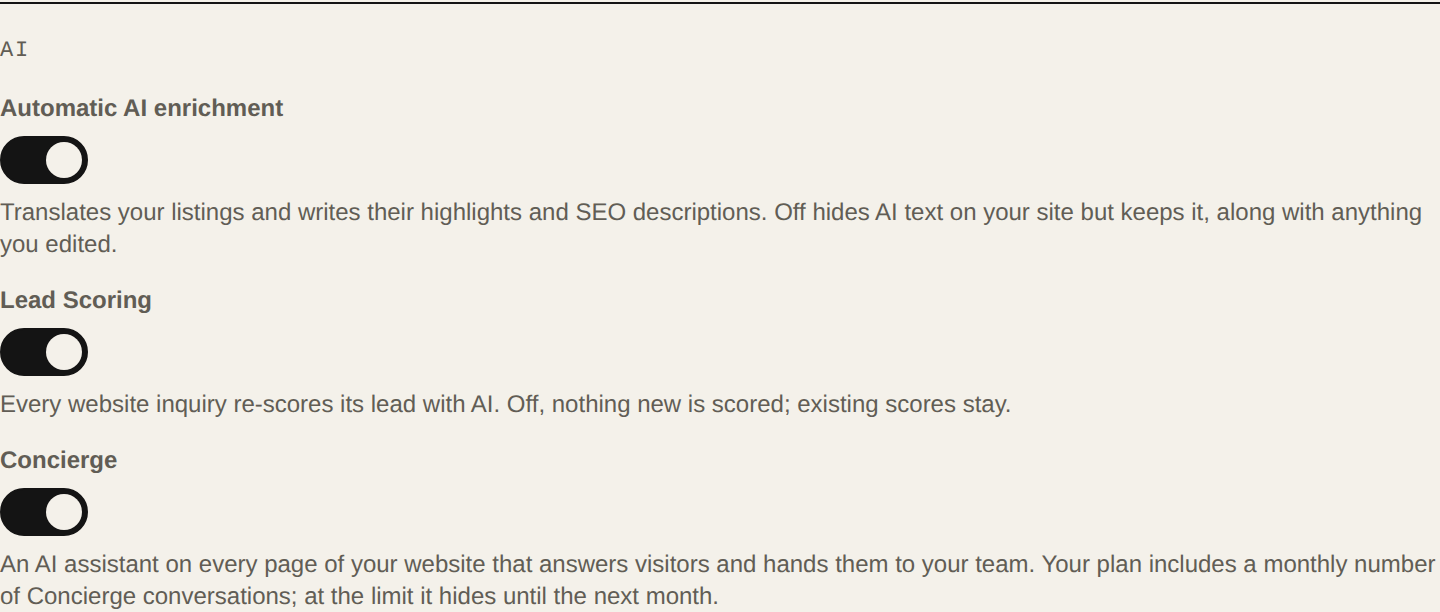
In the menu, tap Settings. On the General tab, scroll to the AI section. Each switch saves when you tap it and you'll see Settings saved.
Decide on enrichment
Automatic AI enrichment translates your listings and writes their highlights and SEO descriptions. If you turn it off, your site hides the AI text, but it's kept, along with anything you edited. If you turn it back on, the listings whose title or description changed in the meantime are brought up to date.
Decide on scoring
With Lead Scoring on, every website inquiry re-scores its lead with AI. If you turn it off, nothing new is scored, and existing scores stay.
Decide on the Concierge
Concierge is an AI assistant on every page of your site that answers visitors and hands them to your team. It starts off: turn it on when you want to use it.