Change your site's design
Try a whole new design on your draft and publish it only if you like it.
- Admin
- ⏱ 1 min
- Updated October 6, 2026
Open the design gallery
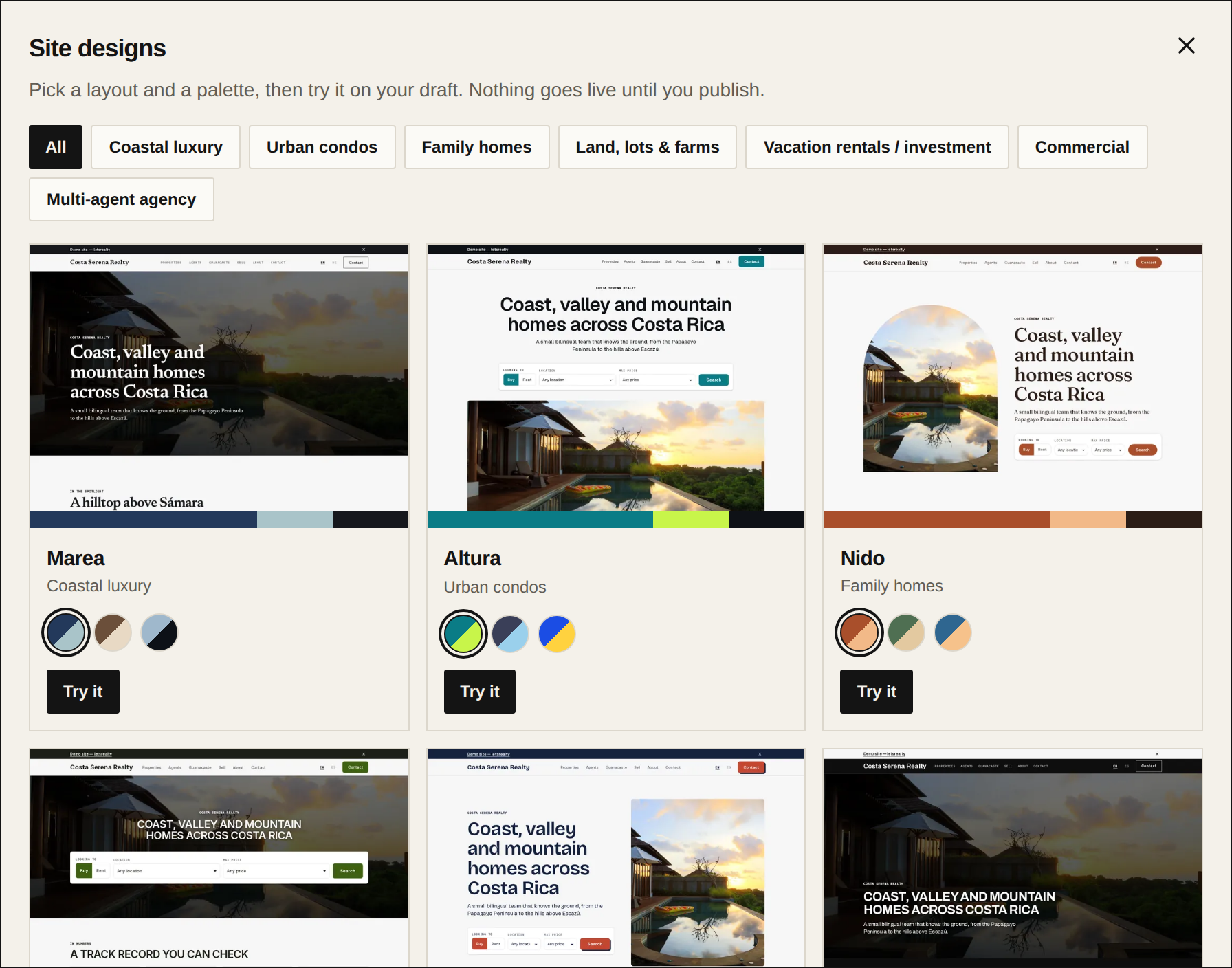
In Website, open the Style tab. Site design shows the one you use now. Tap Browse designs.
Pick a design and a palette
Filter by market with the buttons at the top, or leave it on All. On each design, tap the colour circles to see its palettes. When you have the combination you want, tap Try it.
Decide which colours to use
The design replaces the home page's layout, fonts, style and menu. Your text, images and featured listings stay. Tick Use this design’s colours if you want its palette; leave it unticked to keep your own colours. Tap Try it.
Check the preview
The new design is applied to your draft and shows in the preview. Nothing changes on your site yet. If you don't like it, try another or tap Discard to go back to what's live.
Publish
If a readability warning shows at the top, fix it in Style. Then tap Publish and your visitors see the new design.