Complete your contact details and WhatsApp
Your email, phone, WhatsApp, address and social links feed your site's contact buttons and footer.
- Admin
- ⏱ 1 min
- Updated October 6, 2026
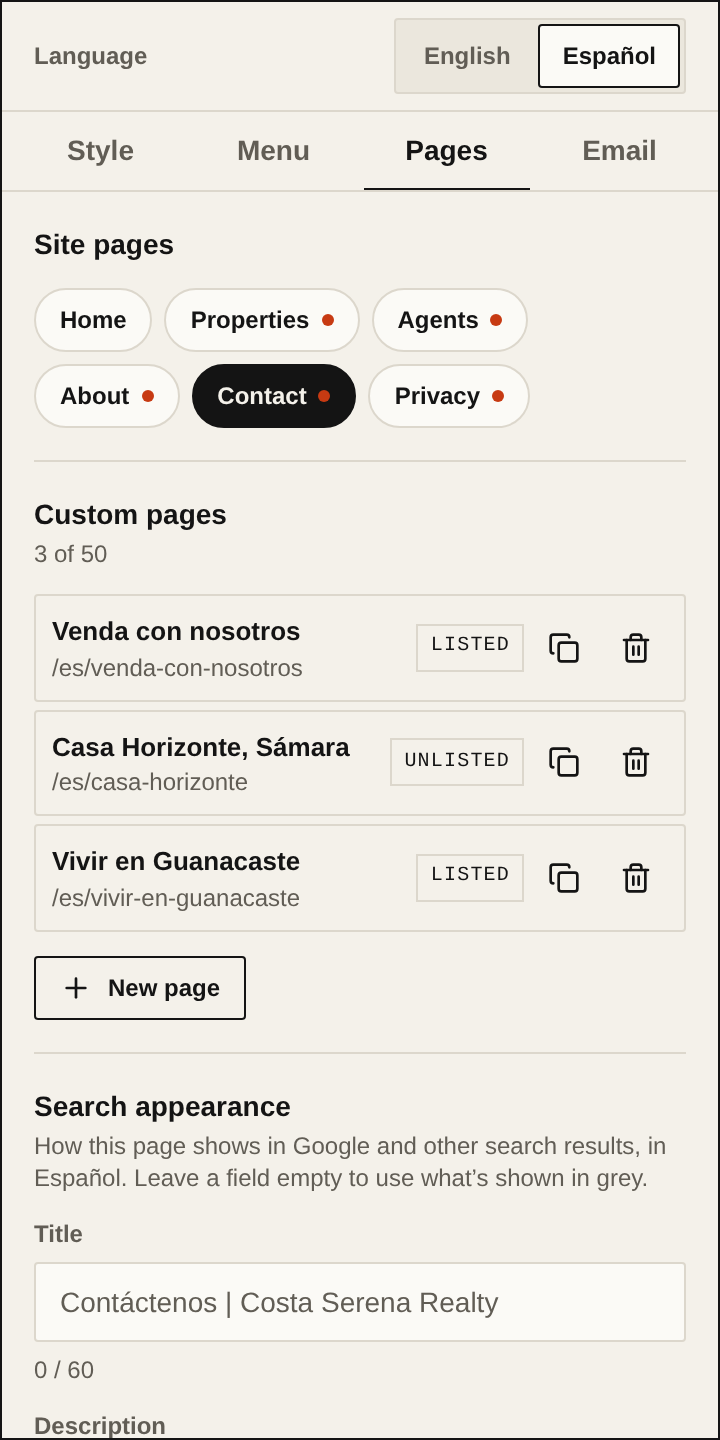
Open the Pages tab
In Website, tap the panel's Pages tab.
Choose the Contact page
Under Site pages, tap Contact. Business details appears further down. They're the same in every language.
Enter your details
Fill in Email, Phone and Address. The Map link is optional; without it, the map searches for your address.
Add your WhatsApp
In WhatsApp, type the number with its country code, for example +50688887777. If the code is missing, the field tells you, and the number isn't saved until you fix it.
Add your social links
Under Social links, paste the full link to each profile: Instagram, Facebook, LinkedIn, YouTube, TikTok or X. Each link must start with https://.
Publish
Each change is saved to your draft only. Tap Publish to show your details in your site's contact buttons and footer.