Customise your email footer
Add a note at the bottom of the emails your clients get, such as surveys, the properties you send them and owner reports.
- Admin
- ⏱ 1 min
- Updated October 6, 2026
Open the Email tab
In Website, tap the panel's Email tab.
Write your note
Under Email footer note, write a short note in each of your site's languages, up to 500 characters. It's plain text, for example your opening hours or licence number.
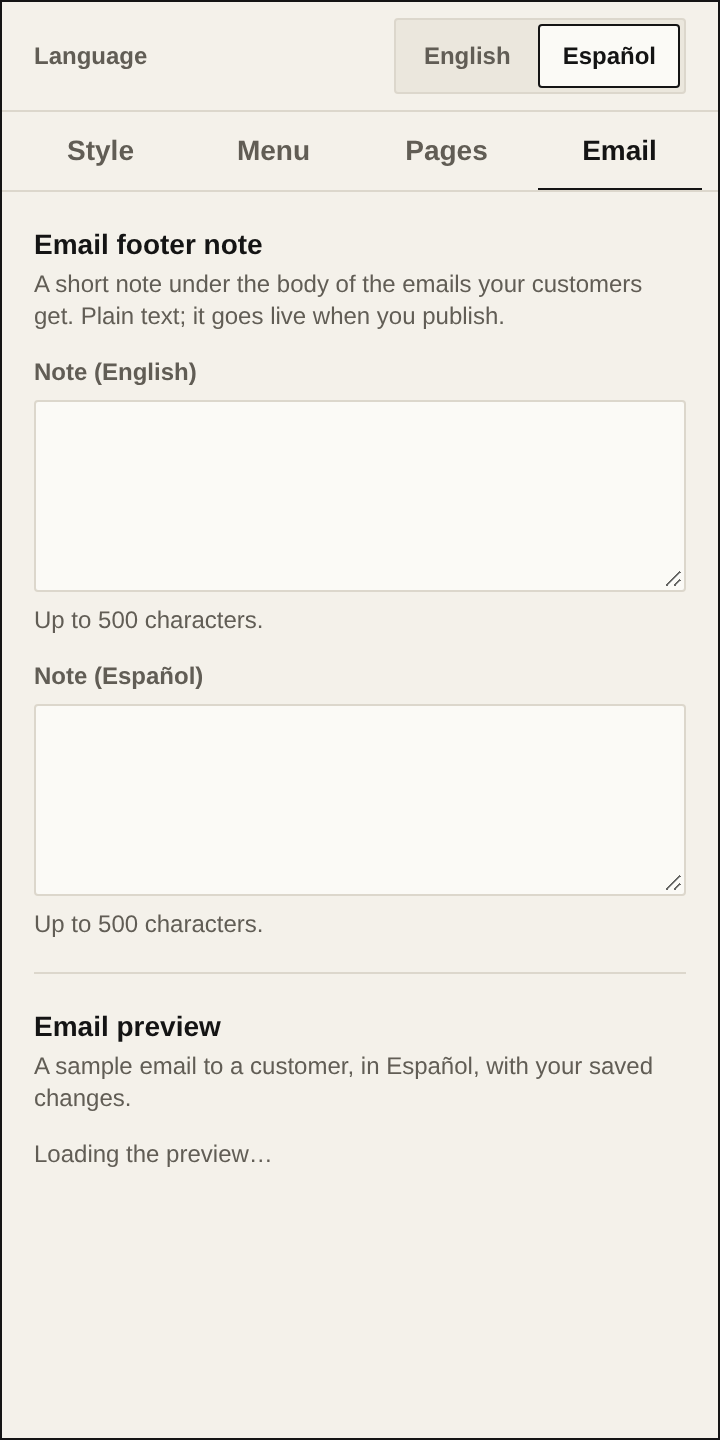
Check the preview
Email preview shows a sample email with your saved changes. Switch the Language at the top of the panel to see it in the other language.
Check the rest of the footer
Below the note, every email shows your site name, your phone, WhatsApp, email and address, and the link to your site. Those details come from Business details, in Pages → Contact. Your logo goes at the top, or your site name if you don't have one.
Publish
Tap Publish. From then on, new emails to your clients carry the note.