Your real estate assistant on WhatsApp
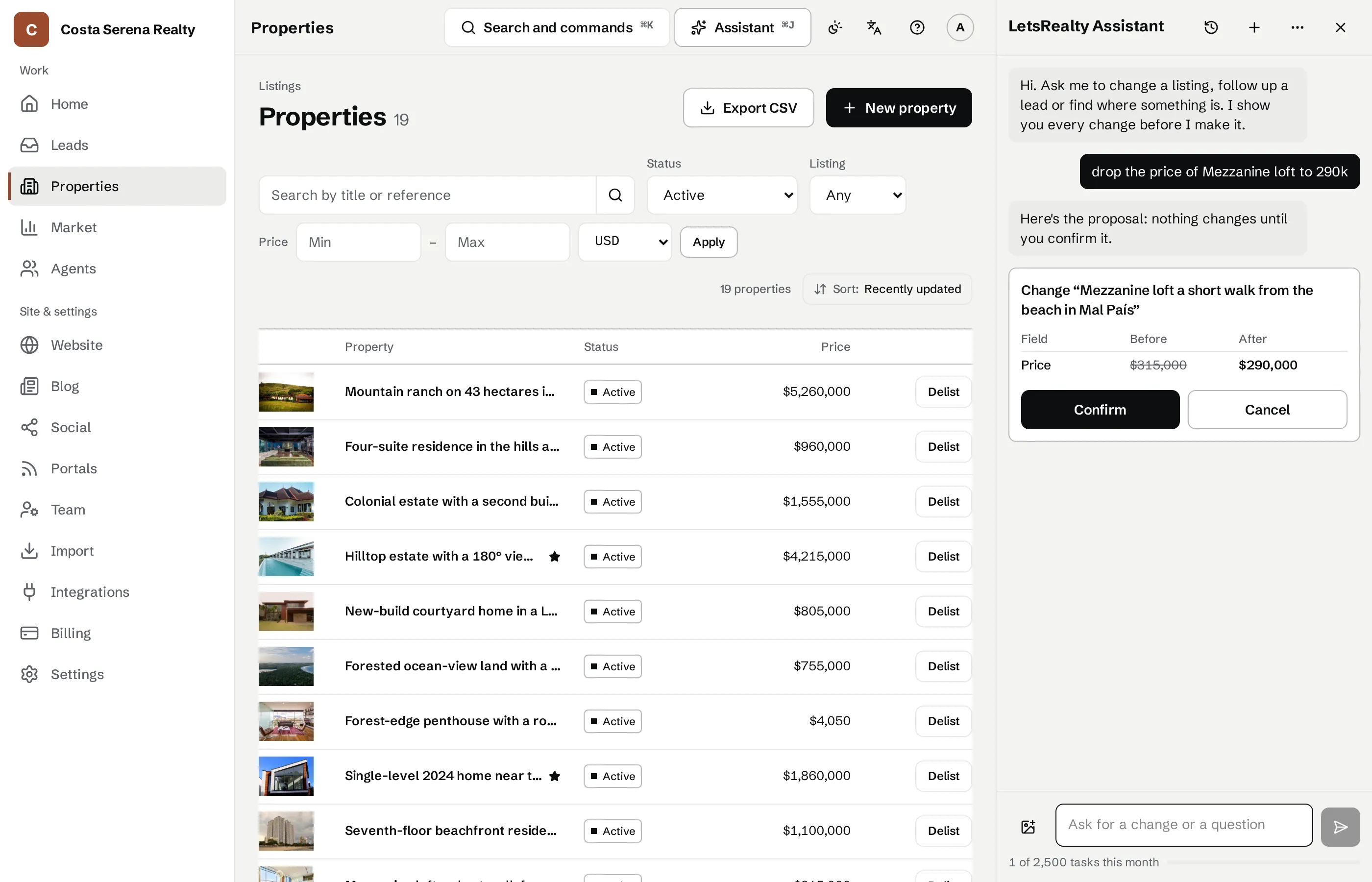
Text it the way you'd text a real assistant: "drop the Escazú house to 250k". LetsRealty does it and asks you to confirm with a button.
How it works
Link your WhatsApp
Scan a QR code in the console and send the link message that's already typed for you.
Ask by text or voice note
Change prices, log leads or build a listing from your photos. It acts as you, with your role's permissions.
Confirm with a button
Nothing changes until you tap "Confirmar", and you can undo for 24 hours.
What's included
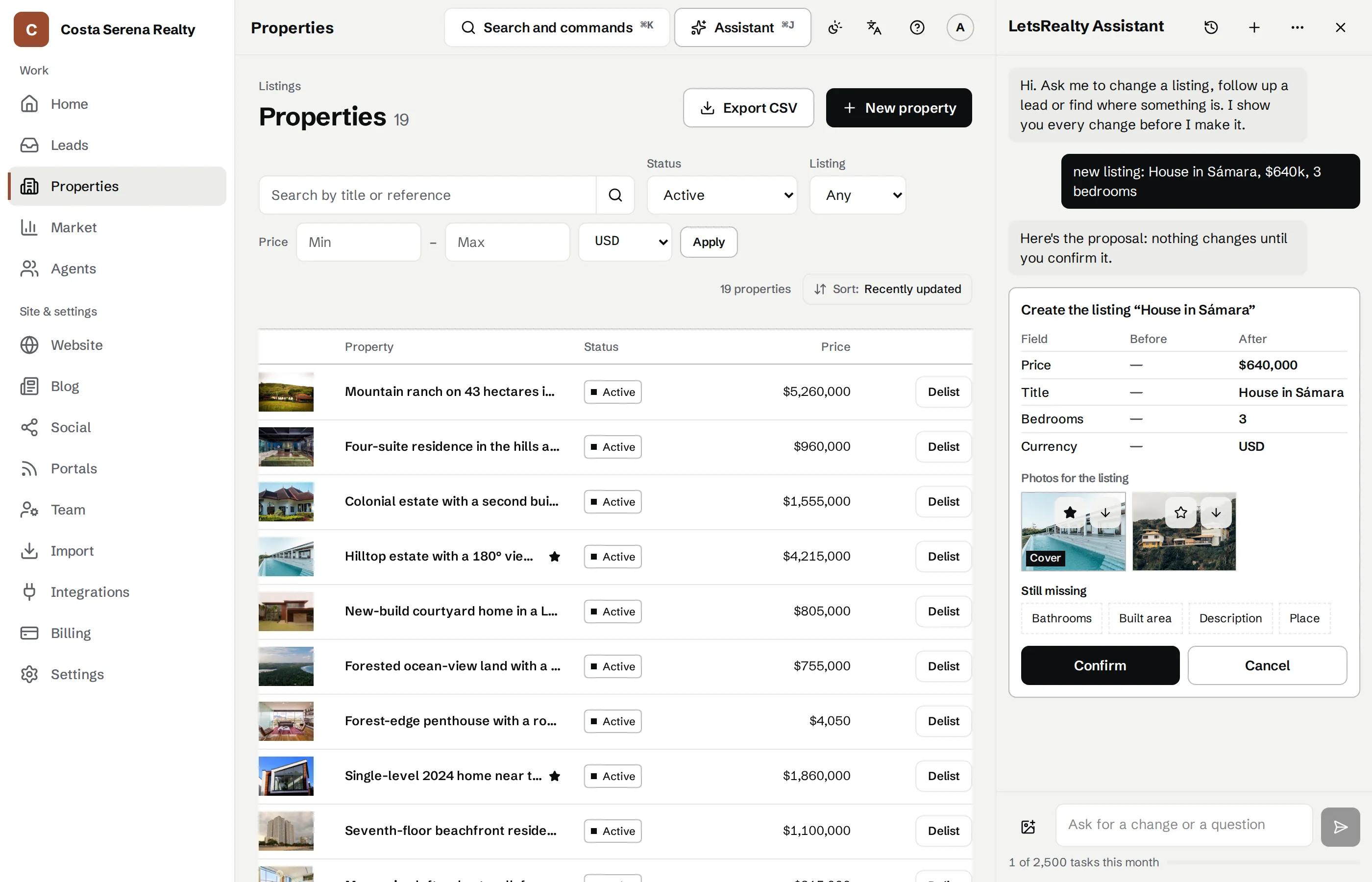
A new listing from your photos
Send the photos with what you know, like "house for sale in Tamarindo, 3 bedrooms, $340k", in the console or on WhatsApp, and the Assistant builds the listing. Price and sizes come from your words, never from a photo.
Unbranded sheets for your colleagues
When a colleague at another agency asks for a listing unbranded, send them a link on seesheet.com and a PDF with the photos, price and facts, without your name, your agency, phone numbers or the exact address. The AI rewrites the description and you approve it. You can ask the Assistant for it on WhatsApp, too.
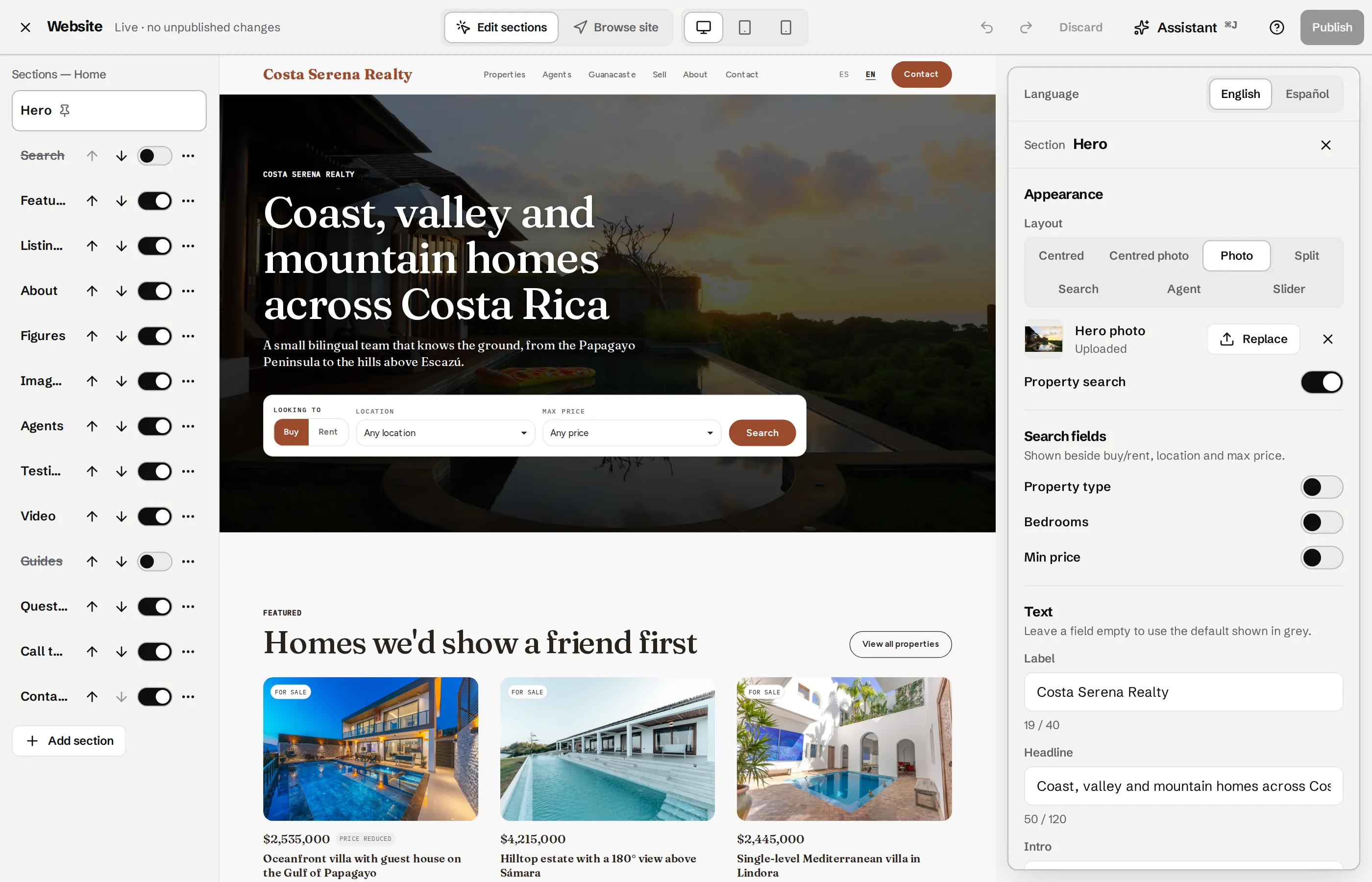
Lead Alerts on WhatsApp
When an inquiry arrives we tell you on WhatsApp as well as by email. Tap "Reclamar" to claim it, or reply to the alert, like "call her tomorrow at 10", and the Assistant schedules it.
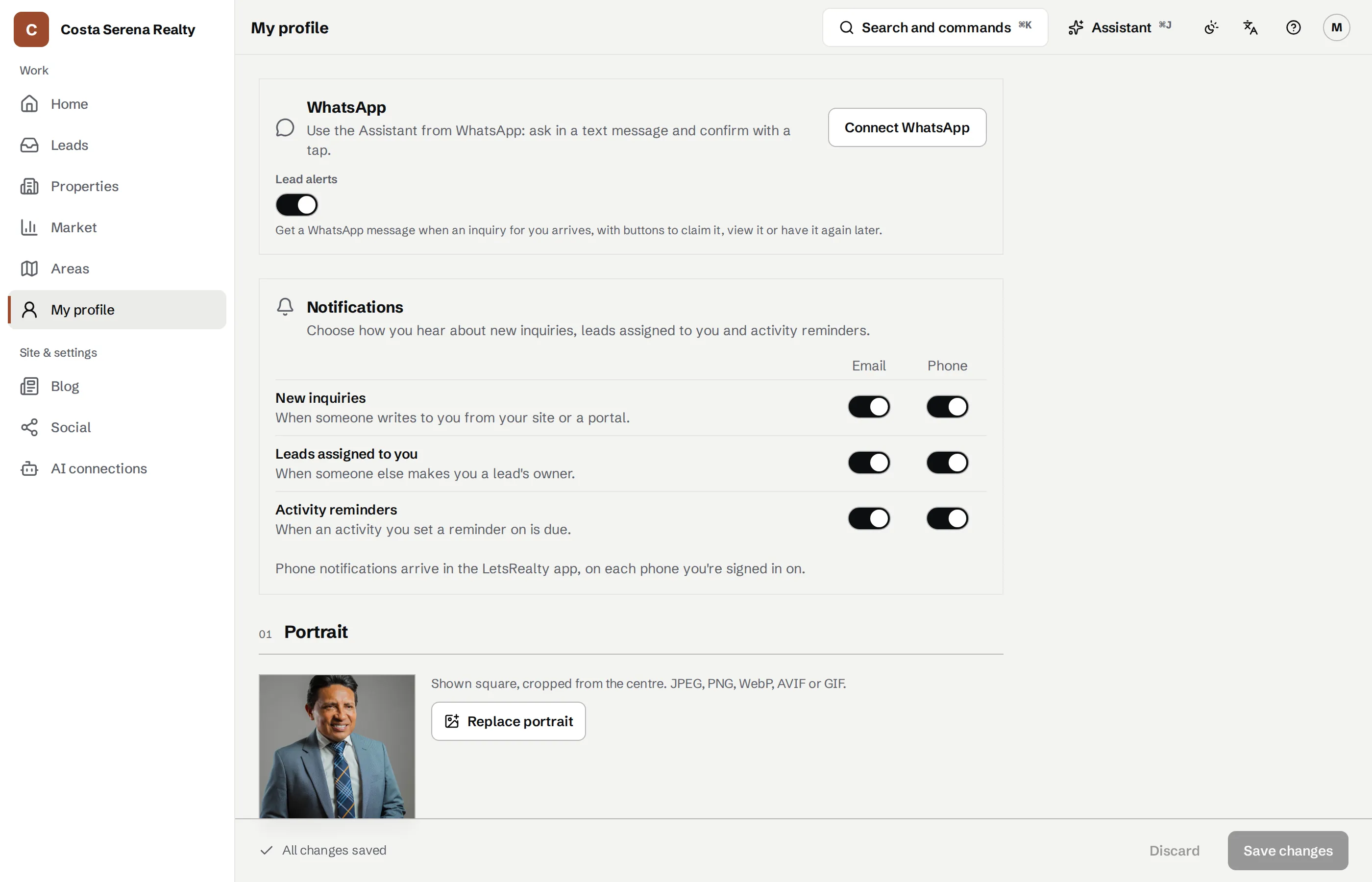
An assistant that does the work for you
Ask in English or Spanish: "drop the Escazú house to 250k", "add Enrique Mesén, 6055 5656". Each change is a card showing before and after, and nothing changes until you confirm. It edits your site in draft, and you can undo for 24 hours. Prefer Claude or ChatGPT? Connect it and it works as you, with the same permissions.
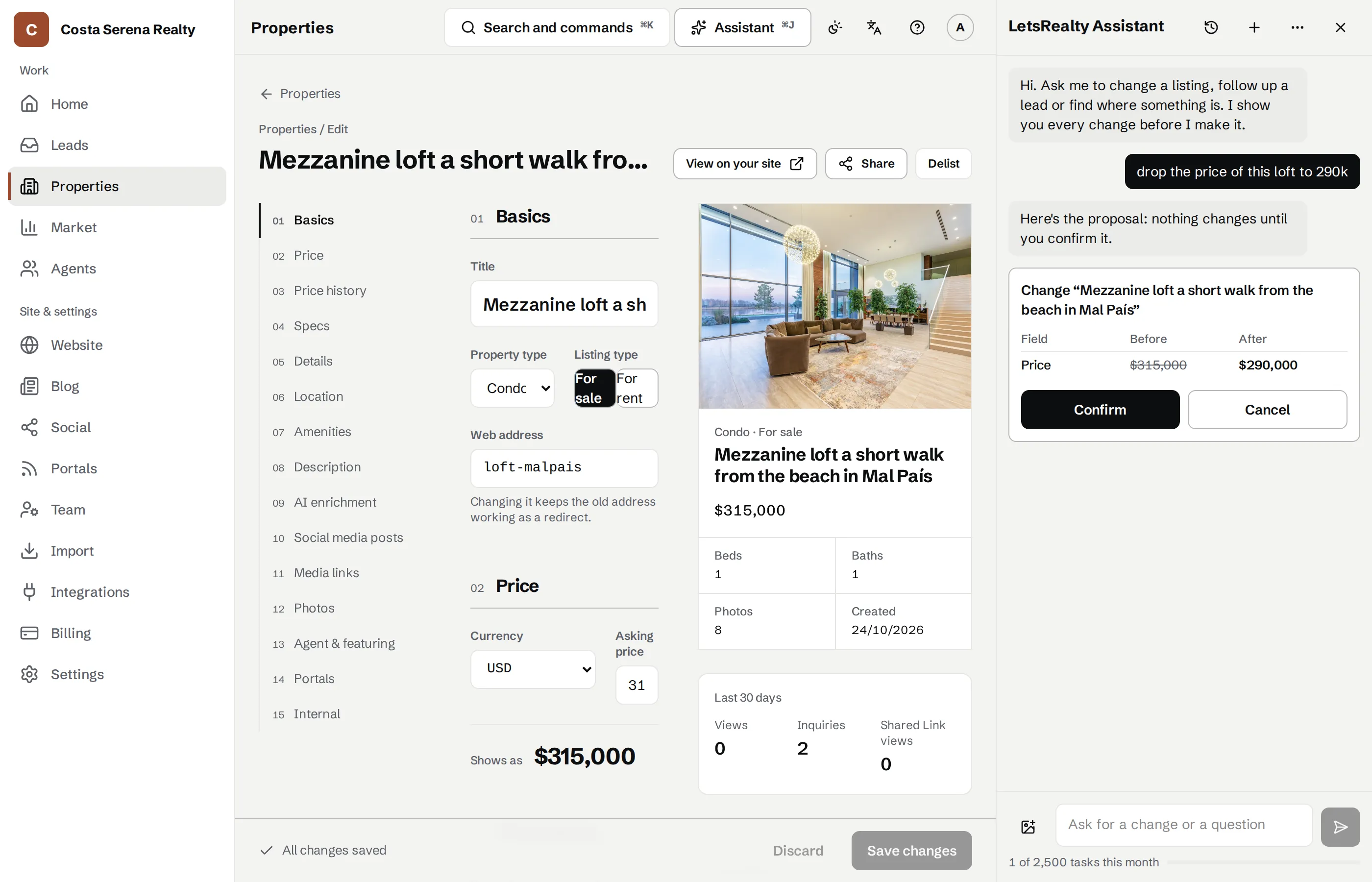
The Assistant on your WhatsApp
Text it or send a voice note from your phone, between one viewing and the next. It does what it does in the console, with your role's permissions, and asks you to confirm with a button.
Try it free for 14 days
Pick your address and your site is live straight away, no card needed. Rather talk first? Message us on WhatsApp.