Use the Assistant from WhatsApp
Connect your WhatsApp once, ask the Assistant for changes by text, photos or voice notes, and get an alert with each inquiry.
- Admin
- Agent
- ⏱ 2 min
- Varies by plan
- Updated October 18, 2026
Open Connect WhatsApp
In the Assistant, tap More options, then Connect WhatsApp. If you're an Agent, it's also in My profile.
Send the linking message
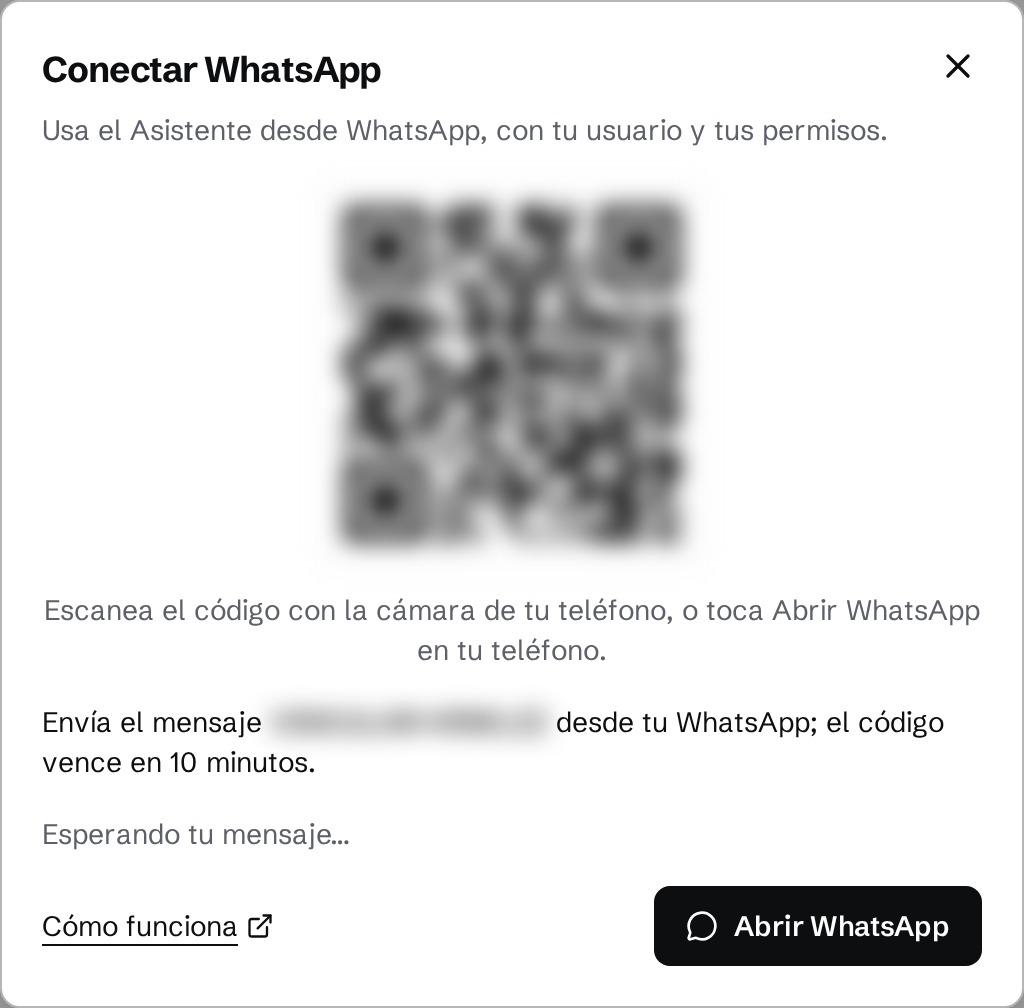
Scan the QR code or tap Open WhatsApp on your phone. A chat with LetsRealty opens with a VINCULAR-… message already written: send it. The code expires after 10 minutes; if it has, tap Get a new code. Once your message arrives, WhatsApp welcomes you.
Ask by text or voice note
Write as you would in the console: "lower the price of the Escazú house to 250k", or send a voice note under 2 minutes. The Assistant acts as you, with your role's permissions. Send "new" to start another conversation. Each request counts toward your team's monthly WhatsApp limit: 50 on a trial, 150 (Solo), 500 (Team) or 1,200 (Agency).
Create a listing from your photos
Send the photos with the text or a voice note: "house for sale in Tamarindo, 3 bedrooms, $340k". It replies once 15 seconds pass with nothing new. It looks at up to 12 photos and keeps up to 25. Prices and sizes come from your words, never from a photo.
Confirm with a button
Nothing changes until you tap "Confirm". If a name could be more than one Place, you pick yours with a button. A change to your site is confirmed in the console, from its preview. The reply has "Undo" for 24 hours.
Answer inquiry alerts
When an inquiry arrives, we tell you on WhatsApp as well as by email: if it's about your listing, if it's from your lead, or if you're an Admin and the inquiry is general or its listing has no Agent. Tap "Claim" to take the lead if it's unassigned, "View" to open it in the console, or "Later" to get the alert again in 2 hours if nobody has picked it up. Reply to the alert, say "call her tomorrow at 10", and the Assistant does it on that lead.
Turn alerts off or disconnect your WhatsApp
In My profile, turn off Lead alerts; the email still reaches you. To disconnect, tap Disconnect in Connect WhatsApp. An Admin can also disconnect you in Team, with Disconnect WhatsApp, but can't change your alerts.