Share an unbranded sheet
A link and a PDF of a property with neither your name nor your agency's, for a colleague who asks for it "modo corredor".
- Admin
- Agent
- ⏱ 2 min
- Updated October 31, 2026
Open the unbranded sheet
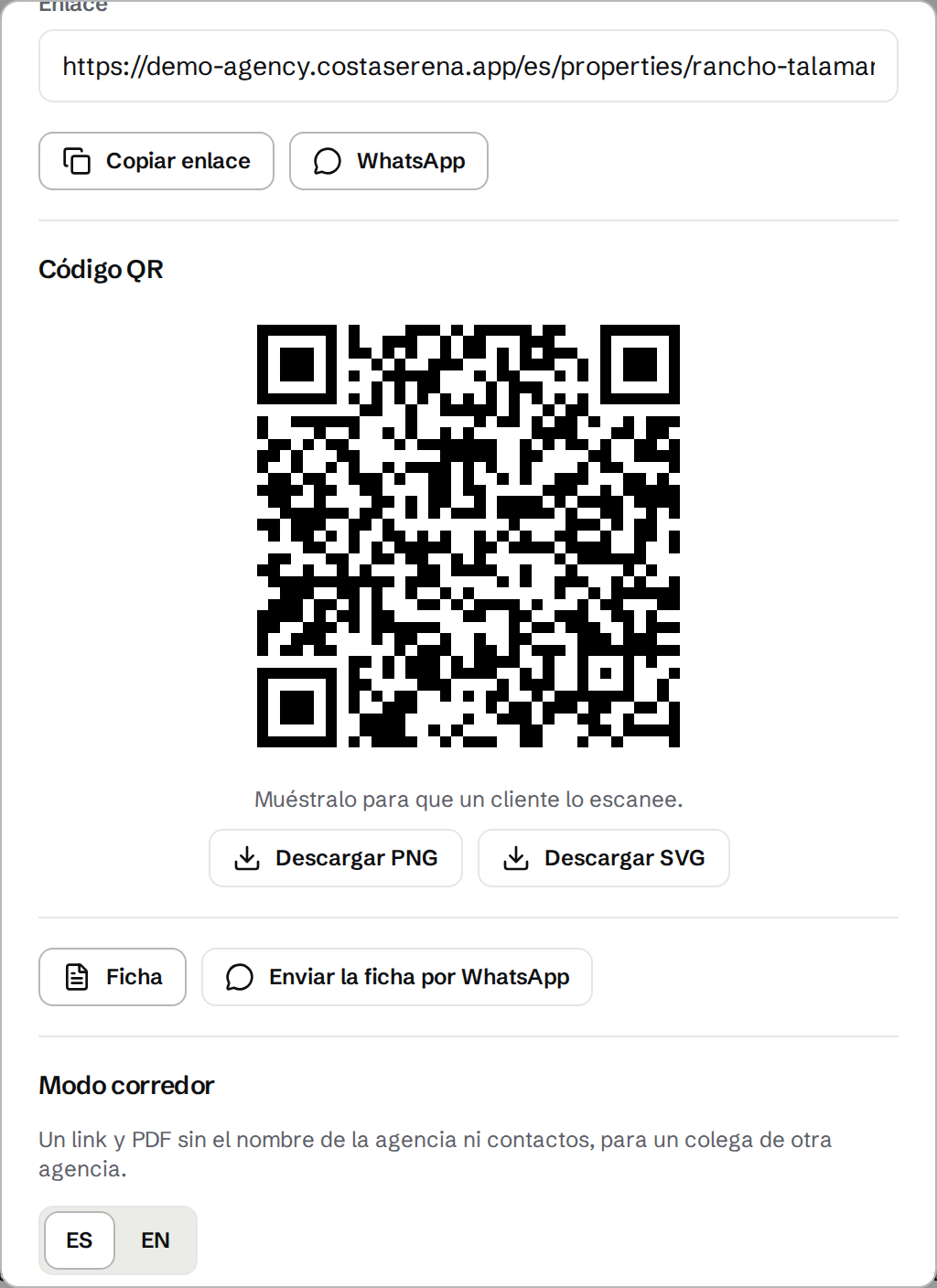
In Properties, tap Share on the property's row or inside the property. Under Unbranded sheet, tap Open unbranded sheet. An Agent can do this for the properties they list, and an Admin for any. A delisted property, or one that Needs location, doesn't have it.
Review the unbranded text
The AI writes a neutral title and description in each of the property's languages. Each version uses 1 AI generation. Read it, fix anything that needs it and tap Approve, or Rewrite for another version. Until you approve it, the sheet shows the facts only, under a title like "House in Escazú". Editing the property later doesn't change the approved text.
Choose the photos
Every photo is included. Untick Include on any that shows a logo, a sign or a watermark.
See what your colleague will see
Tap Preview. The sheet shows the title, price, facts, amenities, approximate area and photos. It never shows your agency, your Agents, phones, emails, the exact address, video, tours or reference codes, and search engines don't index it. The property is still on your site and on portals, though, so a determined client could find it.
Send the link or the PDF
The Unbranded link is verficha.com followed by a code when your site's default language is Spanish, or seesheet.com otherwise. Both always work. Tap Copy unbranded link, Send on WhatsApp or PDF. The link shows the current price and status: once the property sells or is no longer published, it says it's no longer available and nothing else. A PDF can't update, so it says "Information as of" and the date.
Stop sharing
Right there you see how many views the link has had, in total rather than per colleague. To cut it off, tap Stop sharing, then Yes, stop sharing: the link stops working for everyone who has it and you get a new one. A PDF you already sent stays out there.