Import from Wasi
On Wasi Pro, connect your Wasi account and bring over your listings, agents and contacts.
- Admin
- ⏱ 2 min
- Updated October 11, 2026
Get your company id and token in Wasi
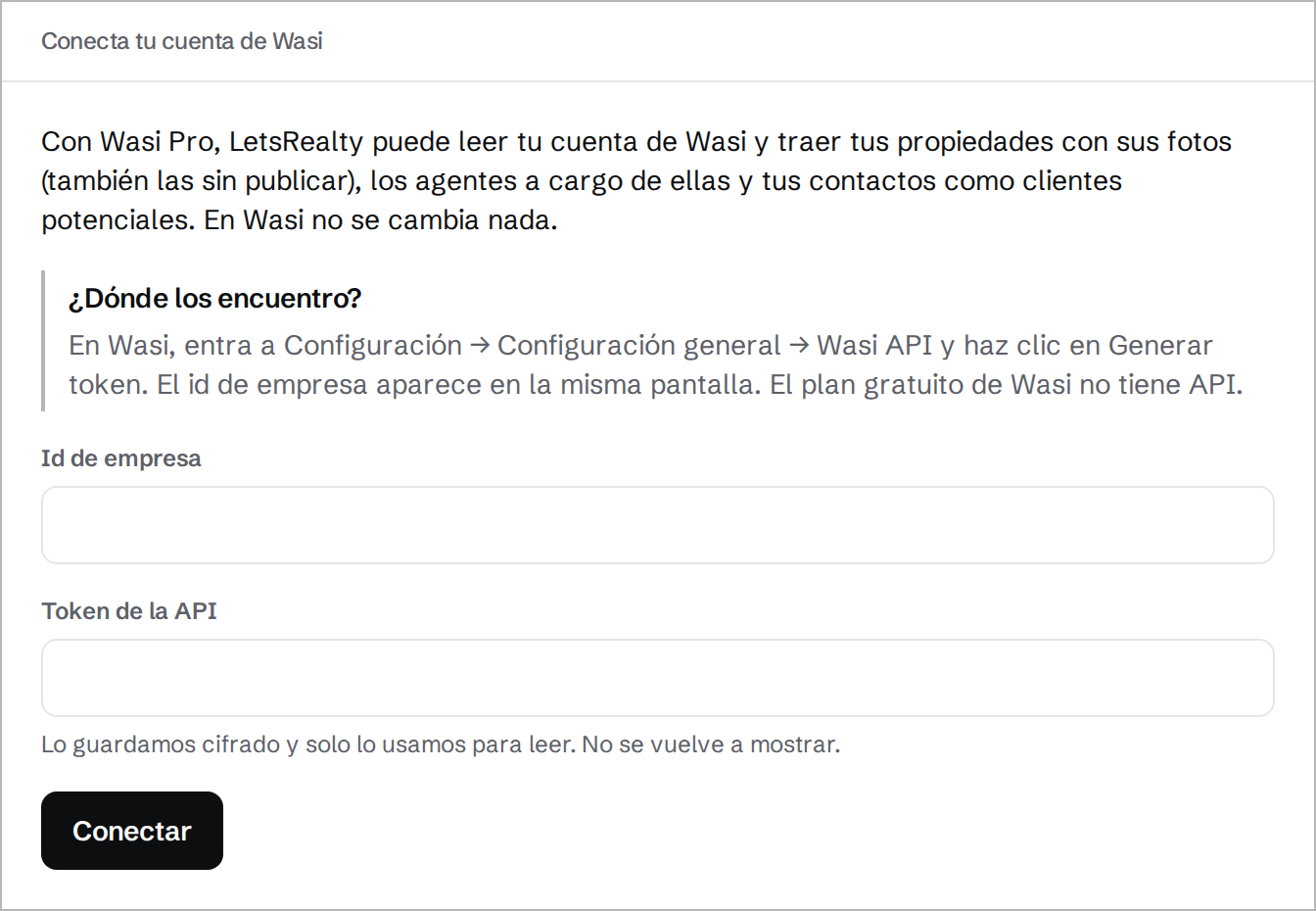
In Wasi, go to Configuración → Configuración general → Wasi API and click Generar token. Copy the token and the company id on that screen. Only Wasi Pro has the API; the free plan doesn't.
Connect your account
In Import, open the Wasi tab. Paste them into Company id and API token and tap Connect. If Wasi doesn't accept them, the form says so: check both, and that your account is on Wasi Pro.
Import
Tap Import. The import log shows each step while it runs. Nothing changes in Wasi.
Check what came over
Brought over counts the new listings, agents, leads and lead–listing links. Your listings come with their photos, unpublished ones too. The Wasi users who own a listing or a contact become agents with no login. Your contacts become leads in Contacted, or Won and Lost when Wasi's board shows them that way, linked to their listings. Nobody is notified.
Left out counts the sold listings, the contacts with no email or phone, the Wasi users who own nothing and the features we couldn't match. Tasks don't come over.
Import again before you switch
Keep working in Wasi until you move. Tap Import again as often as you like: it only brings what's new, and never changes a lead you already have.
Disconnect and revoke the token
Once you've left Wasi, tap Disconnect and confirm. We delete the token, and everything imported stays. Then revoke the token in Wasi too, under Configuración → Configuración general → Wasi API.