Add a lead
Record someone who reached you in person or by phone, so you follow up with them like everyone else.
- Admin
- Agent
- ⏱ 1 min
- Updated October 6, 2026
Open the form
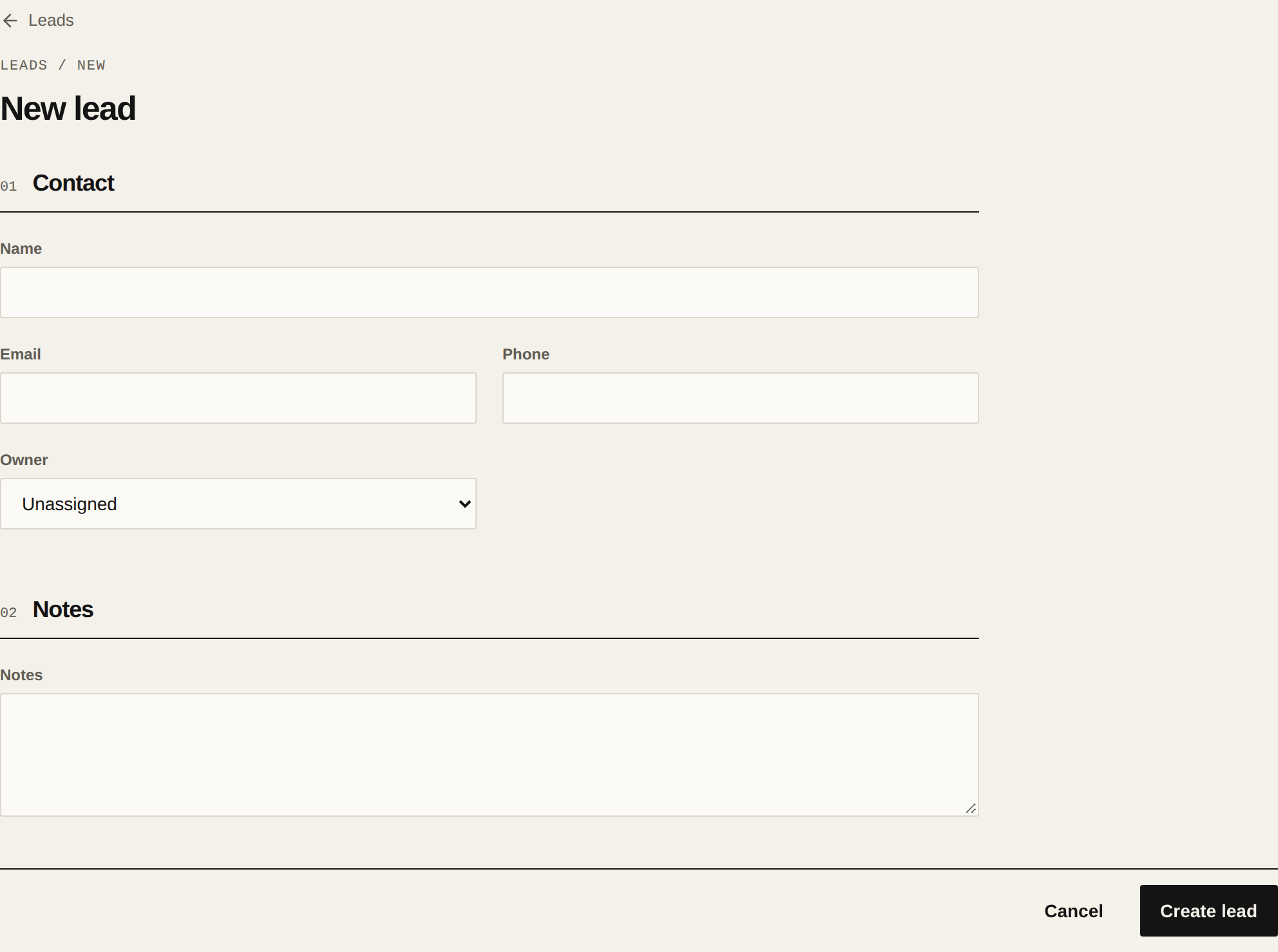
In Leads, tap New lead.
Enter their details
Only the Name is required. Add their Email and Phone if you have them: with a phone you can message them on WhatsApp, and with an email you can send them properties and surveys.
Pick the owner
If you're an Admin and your team has more than one Agent, pick the Owner. It defaults to you, if you have an Agent profile. If you're an Agent, the lead is yours.
Write down what you know
In Notes, write what they told you: what they're looking for, their budget, when they want to move. You can edit the notes later on their record.
Create it
Tap Create lead. Their record opens, with Manual as the source and in the New stage.
Related articles
Did this help?