Get your own domain
Search for an address like www.youragency.com, buy it for a year and we connect it to your website for you.
- Admin
- ⏱ 2 min
- Updated October 8, 2026
Open Domains
In the menu, tap Settings, then the Domains tab. Buying a domain needs a plan and a saved card: during the free trial you can search, but not buy.
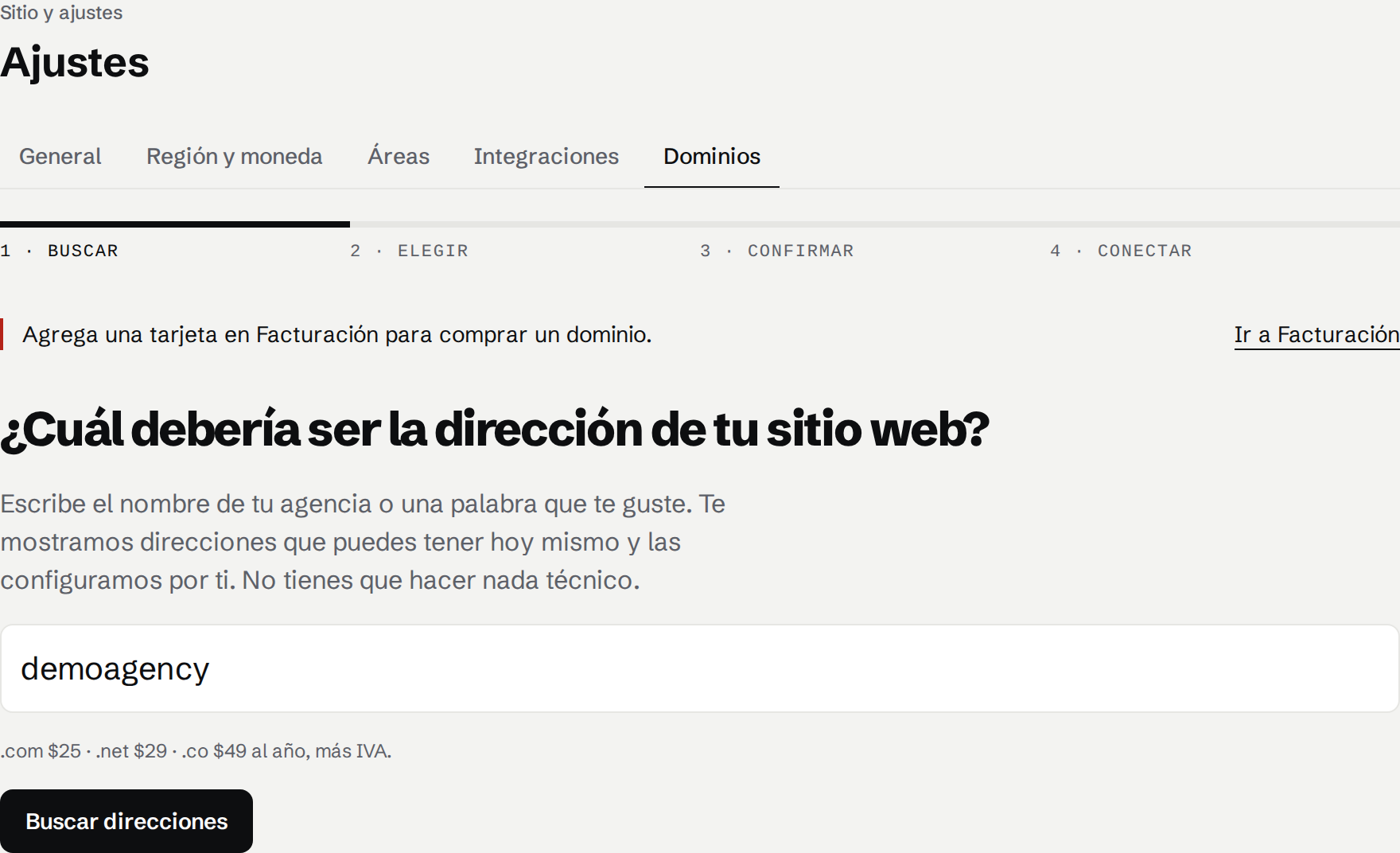
Search for a name
Type your agency's name or a word you like and tap Find addresses. We sell .com ($25 a year), .net ($29) and .co ($49), plus IVA. The price stays the same every year it renews.
Pick an address
The name you typed comes first, marked Exact match, then other ideas. Addresses someone already owns are listed as taken. Pick one and tap Continue.
Check and pay
Read the total with IVA and the conditions: it renews at the same price every year, and domains can't be refunded. How your domain renews, expires and moves explains the rest of its year. Check the owner details, because the owner has 15 days to confirm their email. Then tap the pay button.
Watch it connect
A checklist shows each step: the card authorized, the domain registered, the payment captured, the site connected and HTTPS. You can leave the page: securing it can take a few minutes, and it goes live by itself. If the domain can't be registered, the hold on your card is released and nothing is charged.
Make it your main address
If your site had no address of its own, www.yourdomain.com becomes its main address by itself, and your free address sends visitors to it. Otherwise, open the domain in the list and tap Make main address. To use it for email, see Connect your domain's email.