Track your leads with Google and Meta
Your site tells Google Analytics and your Meta Pixel when someone sends a lead, contacts you, opens a property, searches or uses a button you track.
- Admin
- ⏱ 2 min
- Updated October 24, 2026
See what your site sends
Once you connect them, your site sends these events to your Google Analytics and your Meta Pixel on its own.
| When a visitor… | Google Analytics | Meta |
|---|---|---|
| Sends any form | generate_lead, with form: inquiry, seller or contact | Lead |
| Taps WhatsApp, phone or email | contact, with method | Contact |
| Opens a property | view_item, with its price | ViewContent |
| Searches or filters | search | Search |
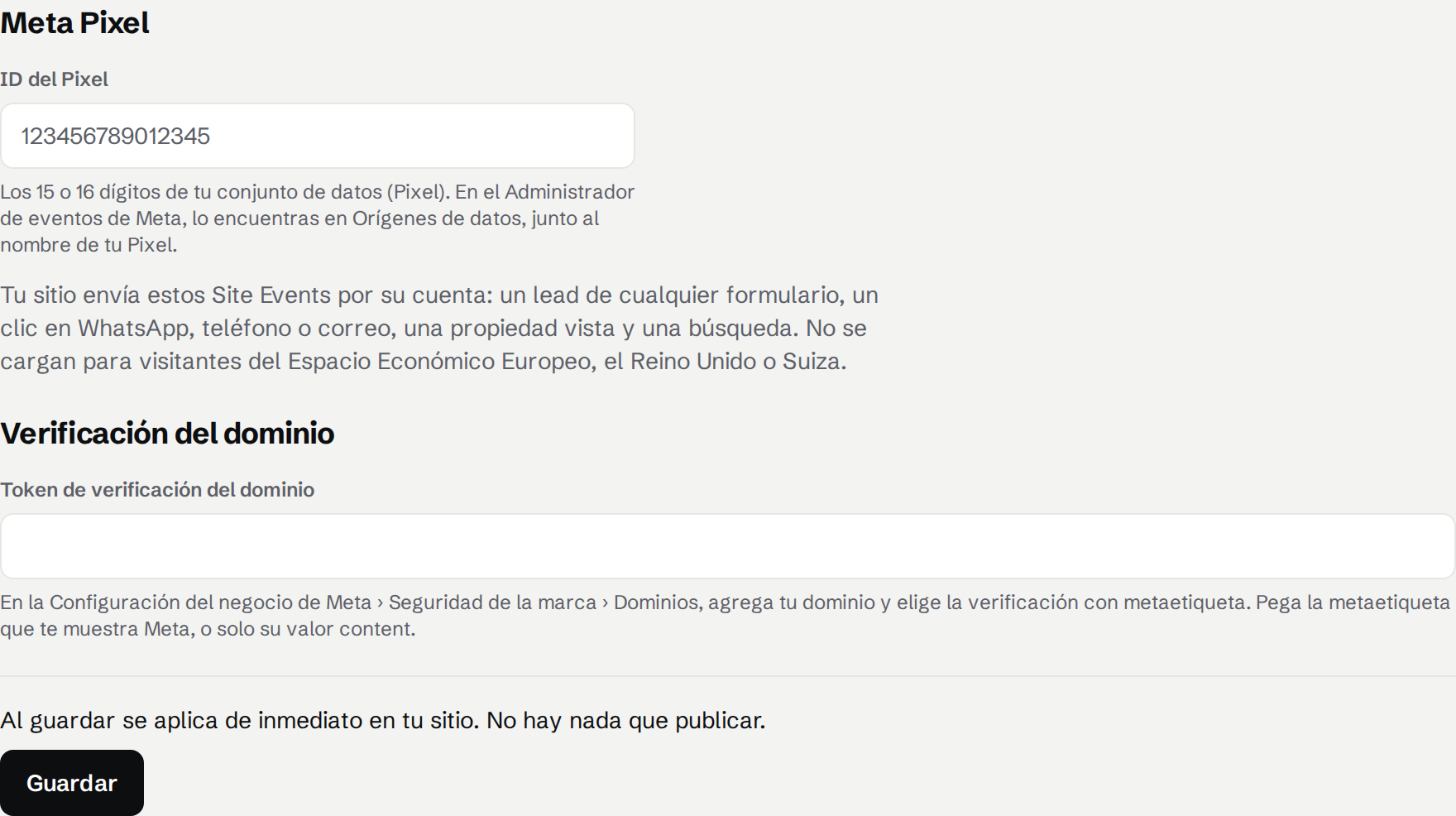
Paste your Pixel ID and domain token
In Meta Events Manager, your Pixel ID is the 15 or 16 digits next to your Pixel's name. For the domain token, in Meta Business Settings › Brand safety › Domains, add your domain with Meta-tag verification and copy the tag.
In Settings, open Integrations and tap Set up Meta Pixel. Paste the ID in Pixel ID and the tag in Domain verification token, then tap Save. It's live at once. Then verify the domain in Meta.
Send leads to Meta from our server (Conversions API)
Ad blockers can stop the Pixel, so our server can send Meta each lead too, without counting it twice. In Events Manager, open your Pixel's Settings and, under Conversions API, choose Generate access token. Paste it in Conversions API access token and tap Save token. We never show it again, and Remove stops sending.
Under Conversions API you see the last send. If Meta refuses the token, paste another and tap Reconnect.
Track a button or form on your pages
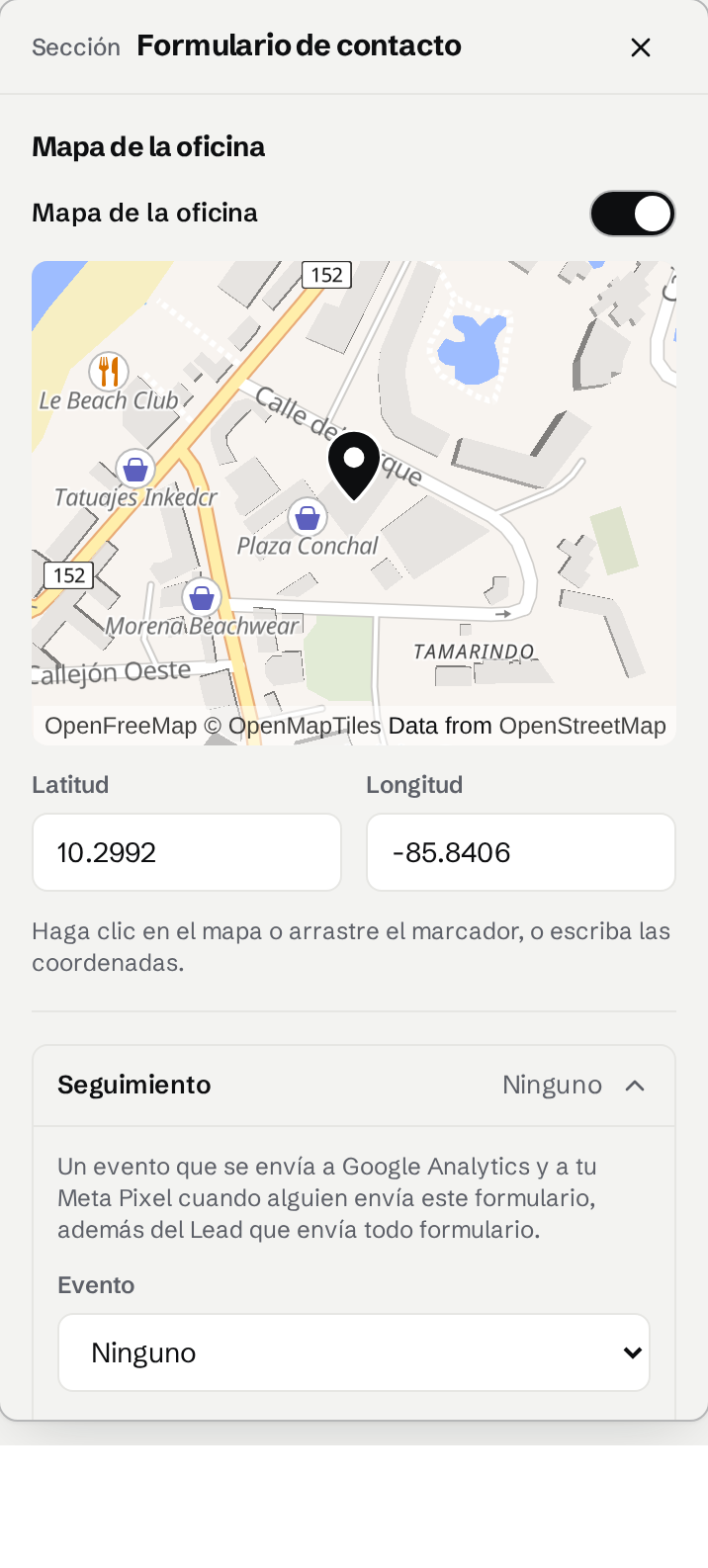
In Website, select a section's button or form. In its Tracking row, choose an Event, or Custom with an Event name. Publish to put it live.
Ask the Assistant to set it up
Ask the Assistant: "connect my Meta Pixel 1234567890123456", "fire a Lead when someone clicks Book a visit" or "what am I tracking?". A tracked button waits for you to publish. The Conversions API token goes in the card, never in the chat.
Mark your conversions
In Google Analytics, mark generate_lead as a key event, and contact if a call counts as a lead. In Meta, use Lead. A tracked form also sends generate_lead, so mark only one of the two.
Test it
Add ?lr_debug=1 to the address of a page on your live site. Each event then shows in your browser's console, in Google Analytics DebugView and in Meta's Test Events tool.