Choose your listing cards and property page
Pick how listings look in every grid, where the Properties page's filters sit, how each property's page is laid out, and what it adds below.
- Admin
- ⏱ 2 min
- Updated October 15, 2026
Open the Style tab
In Website, open the Style tab and scroll to Listings.
Pick your listing cards
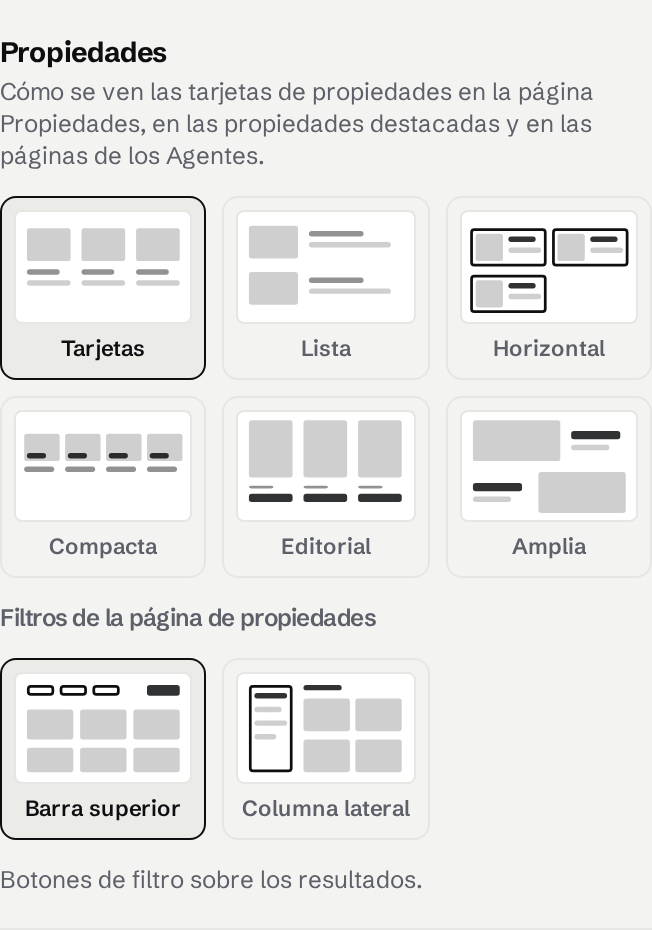
Tap a layout: Cards, List, Horizontal (a square photo beside the price), Compact (the price on the photo, with a New or Reduced badge), Editorial (a tall photo over a large title) or Spread (one large photo per row, best with a few listings). It applies to the Properties page, your featured listings and your Agents' pages. To give one featured listings section its own look, tap it in the preview and change Grid.
Place the Properties page filters
Under Properties page filters, tap Top bar (filter buttons above the results) or Side rail (buy or rent, type, price, bedrooms and location in a column beside the results, applied as visitors change them). On phones, both open from a Filters button.
Pick a property page
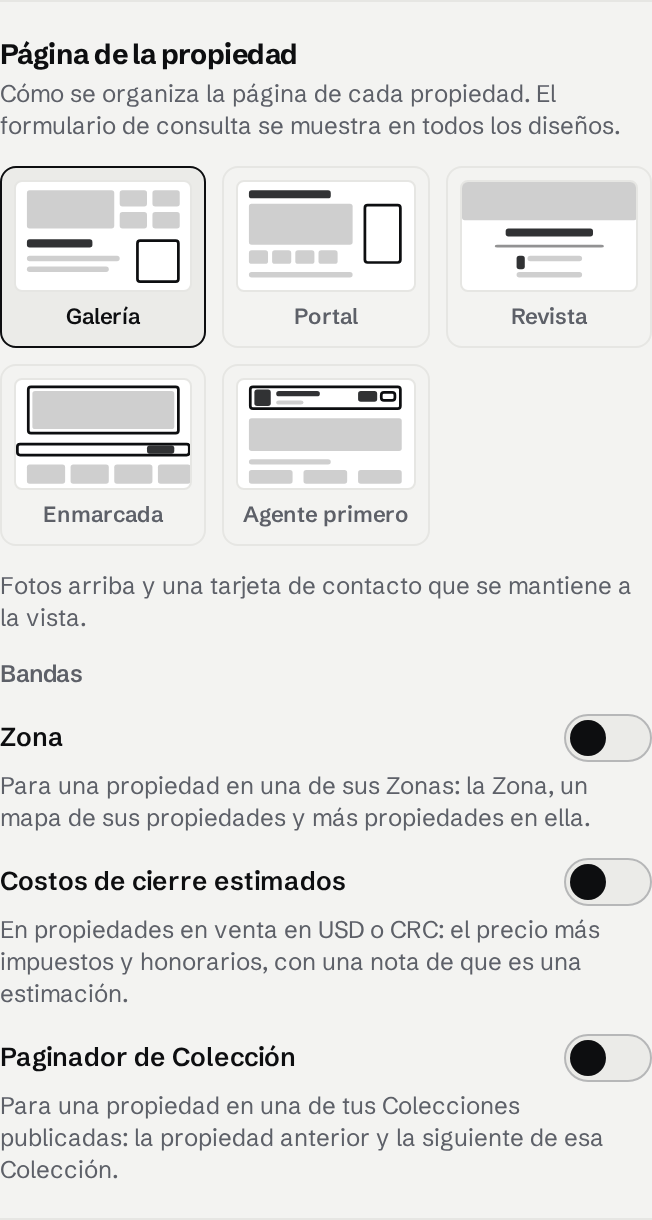
Under Property page, tap Gallery (today's page), Portal (a large photo with thumbnails, a specs table and similar listings), Magazine (a full-width photo and the description as a long read), Framed (a framed photo, a price bar with a button to book a visit, and large figures) or Agent first (the listing's Agent at the top, and their other listings at the end). The inquiry form shows in every layout.
Add bands below the page
Switch on Area to show, on a listing in one of your Areas, the Area, a map of its listings and more listings in it. Switch on Closing-cost estimate to show buyers, on a sale in USD or CRC, the price plus the transfer tax, stamps and registry, and the notary's fees, with a note that it's an estimate.
Set your closing-cost rates
With the estimate on, check Transfer tax, Stamps and registry and Notary fees, as a percentage of the price, and tap Save rates. They start at Costa Rica's usual rates. Rates save straight away and change your live site without publishing.
Publish
Check a property in the preview at phone size, then tap Publish.